01Small setup
A close-knit team.
1 doctor · 1 receptionist · 1 assistant
An example starting team for a dental or GP clinic.
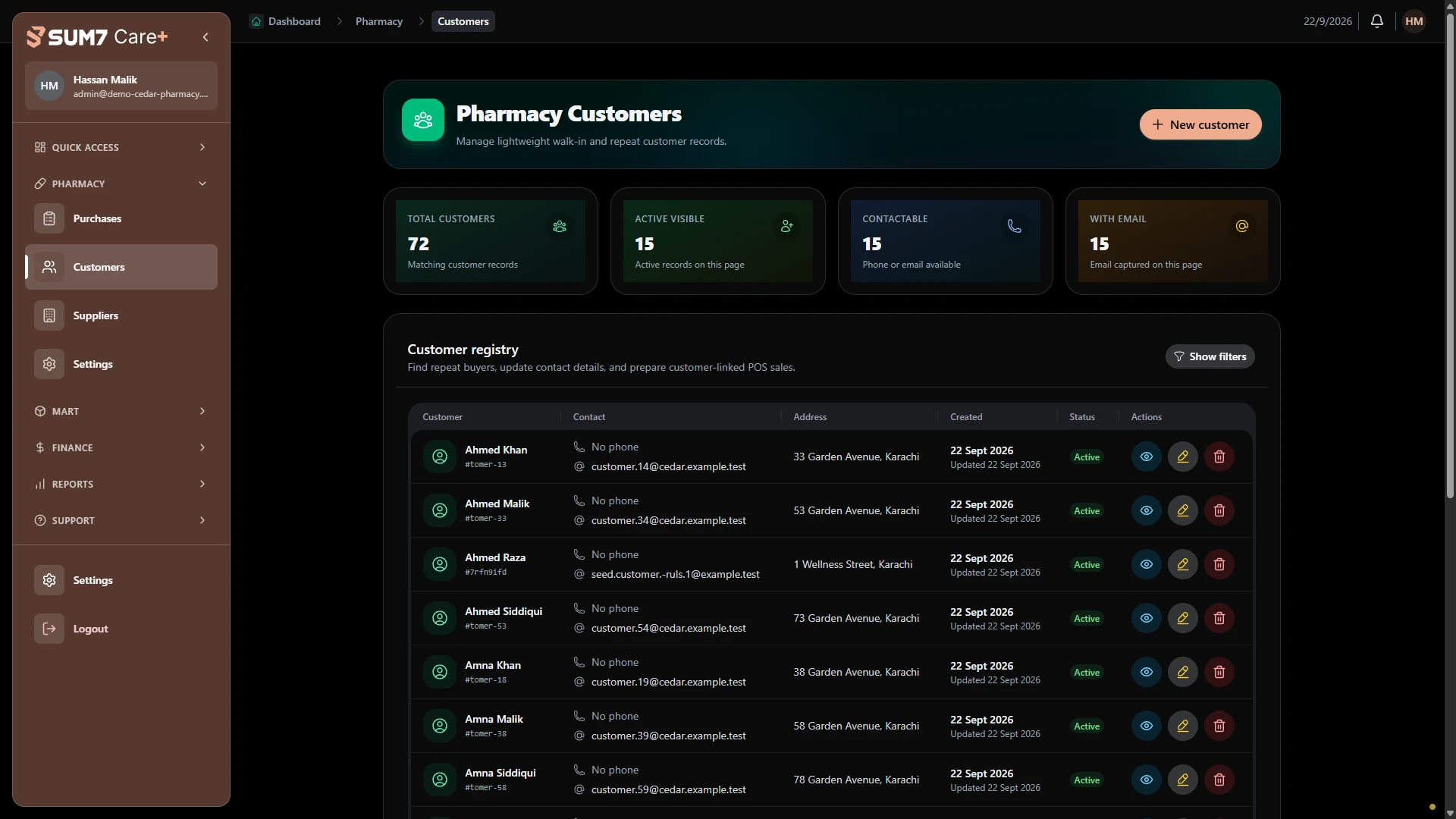
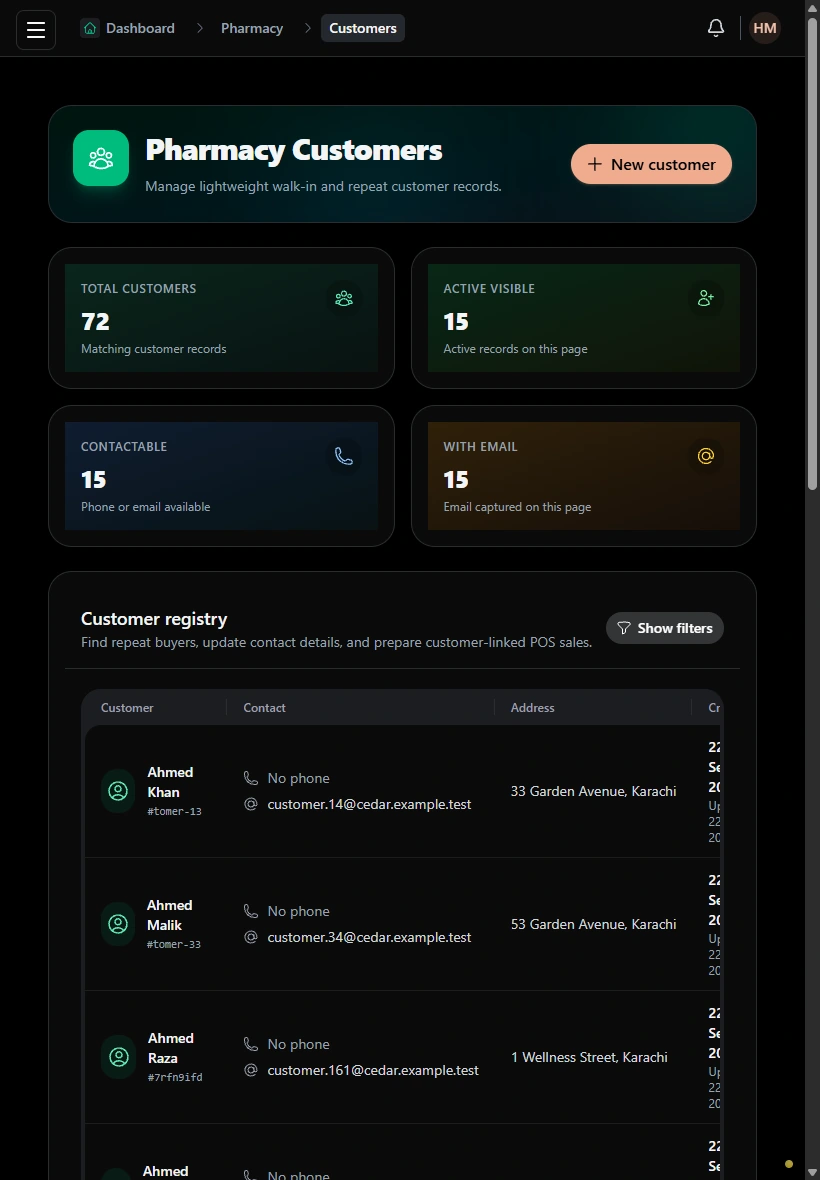
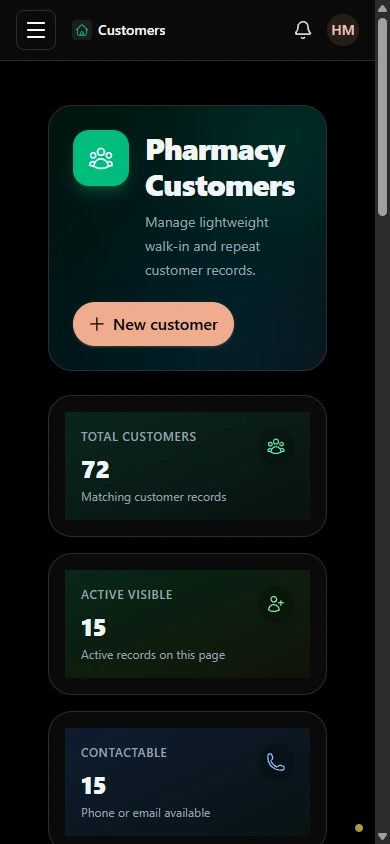
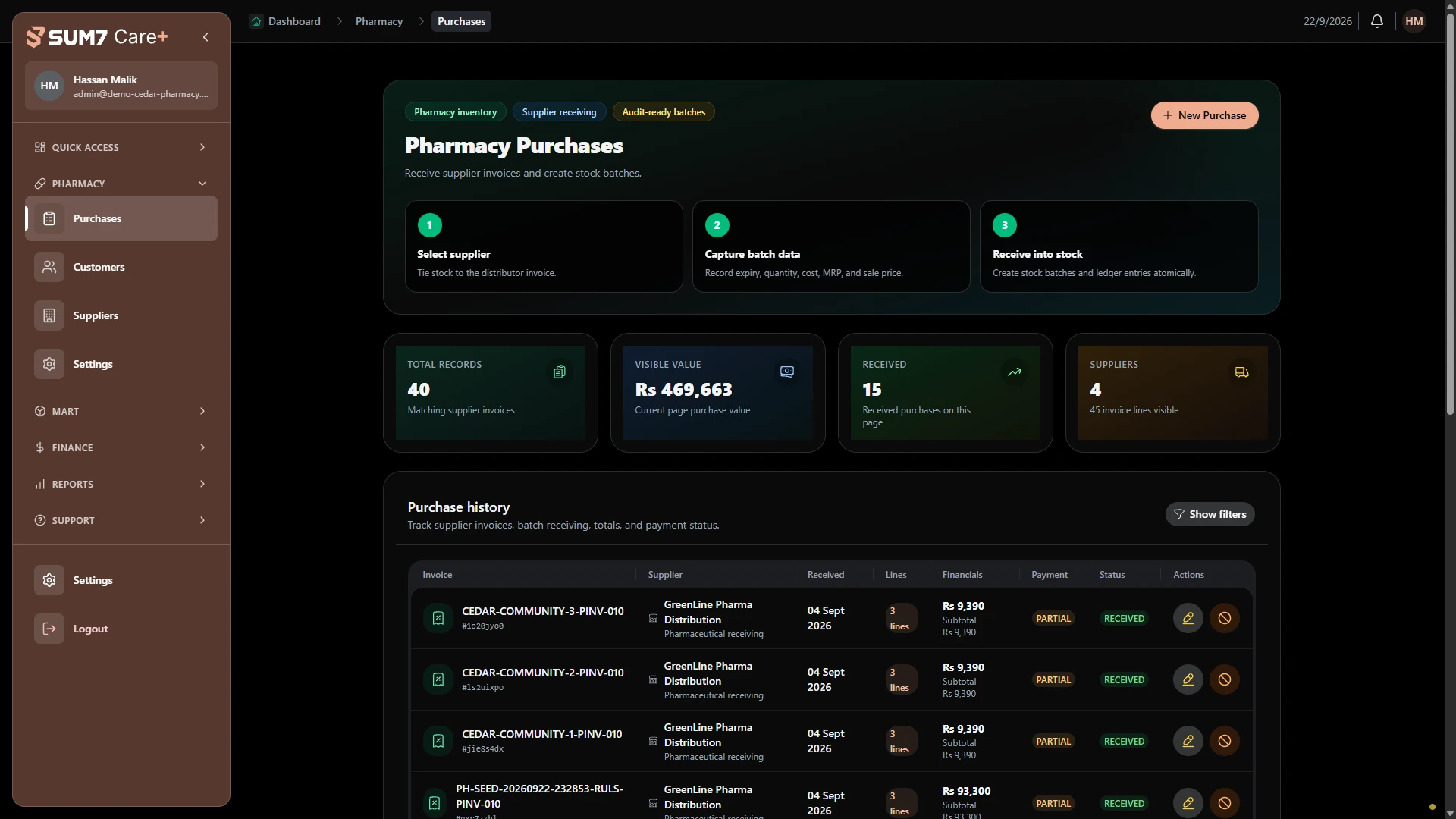
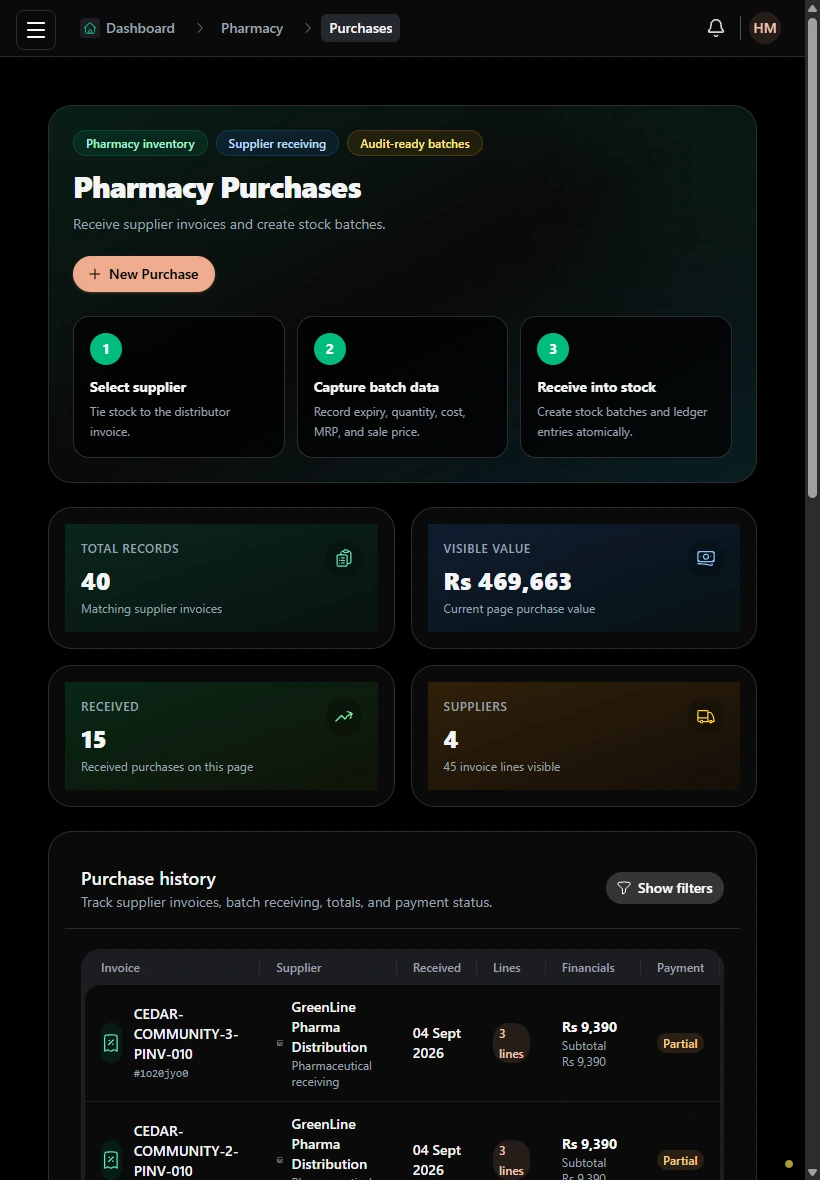
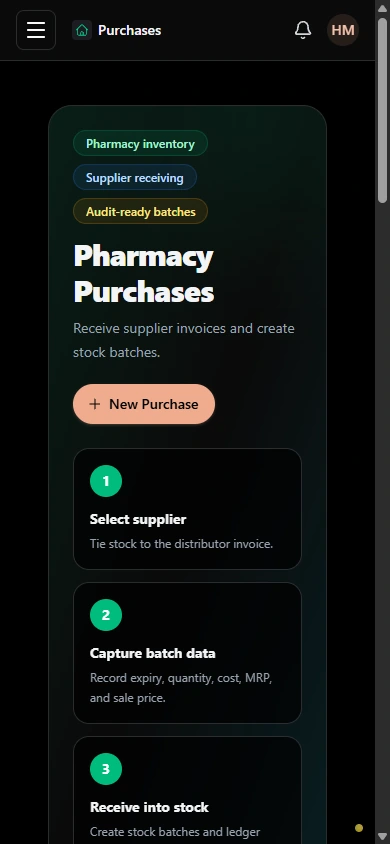
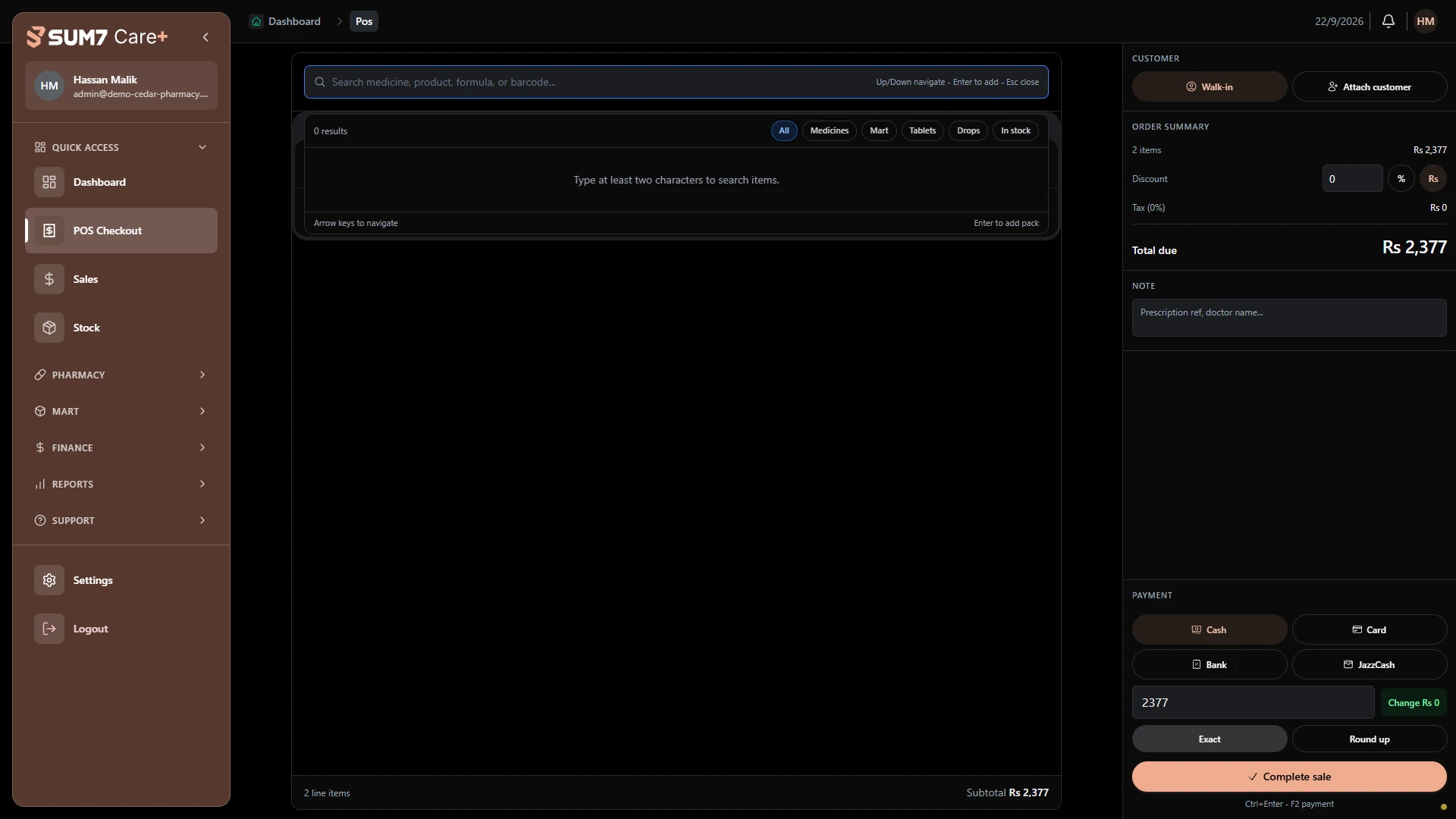
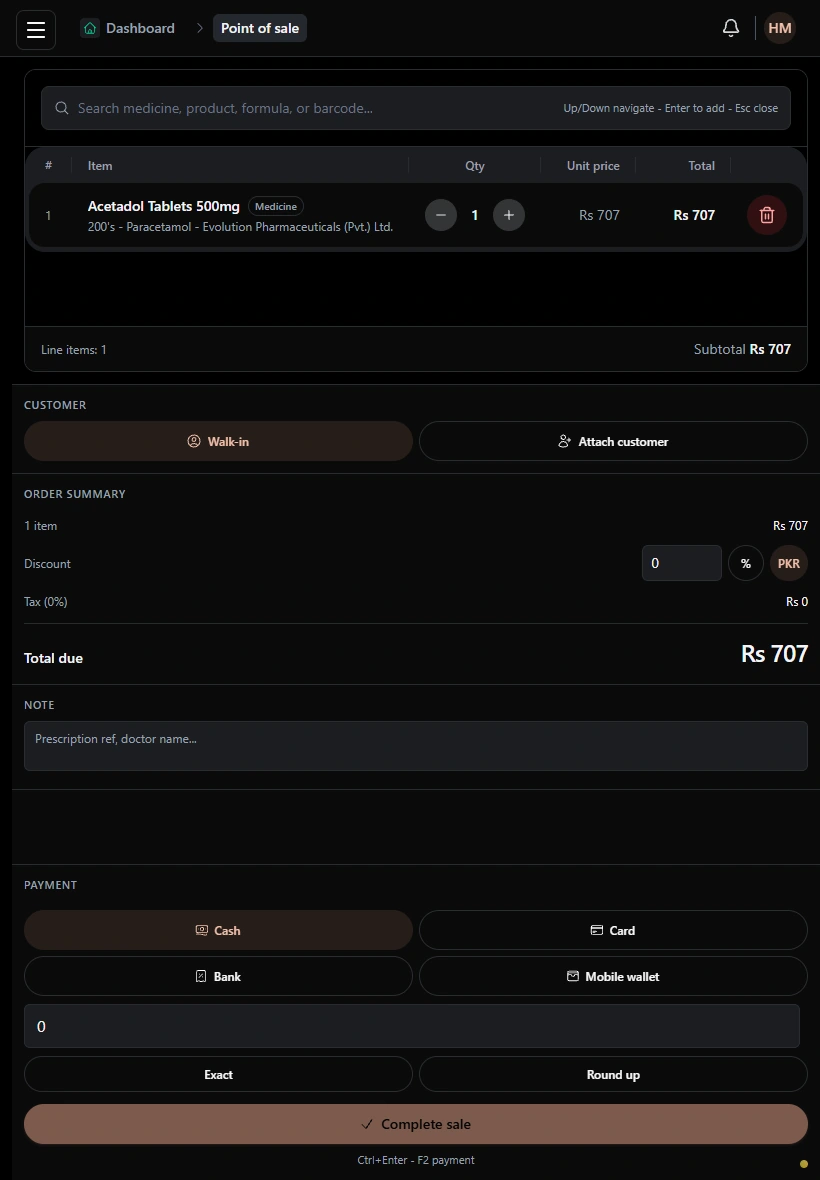
Bring counter sales and back-office purchasing into a pharmacy workspace with clear customer and transaction records.
Request a personalized demo One business or multiple units. Your choice.Bring counter sales and back-office purchasing into a pharmacy workspace with clear customer and transaction records.
A single location can be a small practice or a busy operation. Choose a subscription around the size of your team and the capacity you need.
Find your subscription fit1 doctor · 1 receptionist · 1 assistant
An example starting team for a dental or GP clinic.
Several clinicians and a shared front desk.
Room for a growing team within the same unit.
More clinicians, support staff and coordinated teams.
A larger subscription scope for a larger operation.
Your subscription scope considers active staff seats, patient capacity and storage. Small, medium and large are setup examples; your quote confirms the limits and price.
Add-ons cost extra. Availability depends on your unit type and agreed subscription.
Add the mart module to your pharmacy workspace.
Payroll workflows, cross-unit reports and exports.
Start with one business. Combine different care units under one organization, or build a chain with multiple branches of the same type.
Explore dental and GP clinics, pharmacies, dental labs and diagnostic labs. Larger diagrams illustrate possible organization structures; availability of each department and connection must be confirmed for your setup.
Let’s find your setupA GP clinic, pharmacy and diagnostic lab, each with its own workspace.
Give patients a login of their own to follow appointments and view the records available to them.
Patient sign inPatients sign in to their own portal.
Check upcoming appointments and past visits.
View treatment information and files shared through the portal.
Find the right setup for your team, and know what to discuss before you get started.
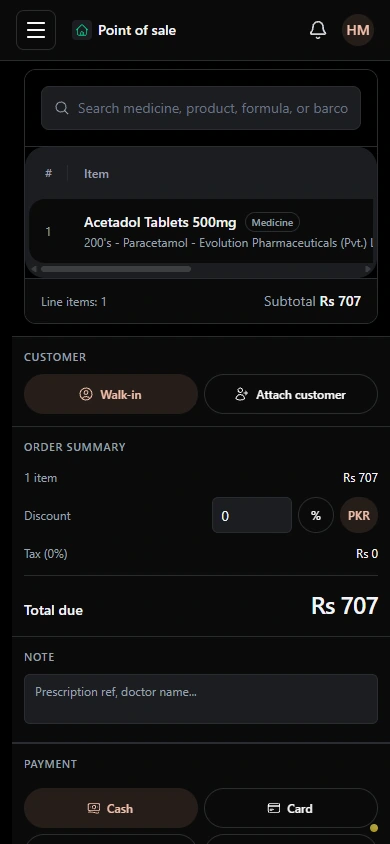
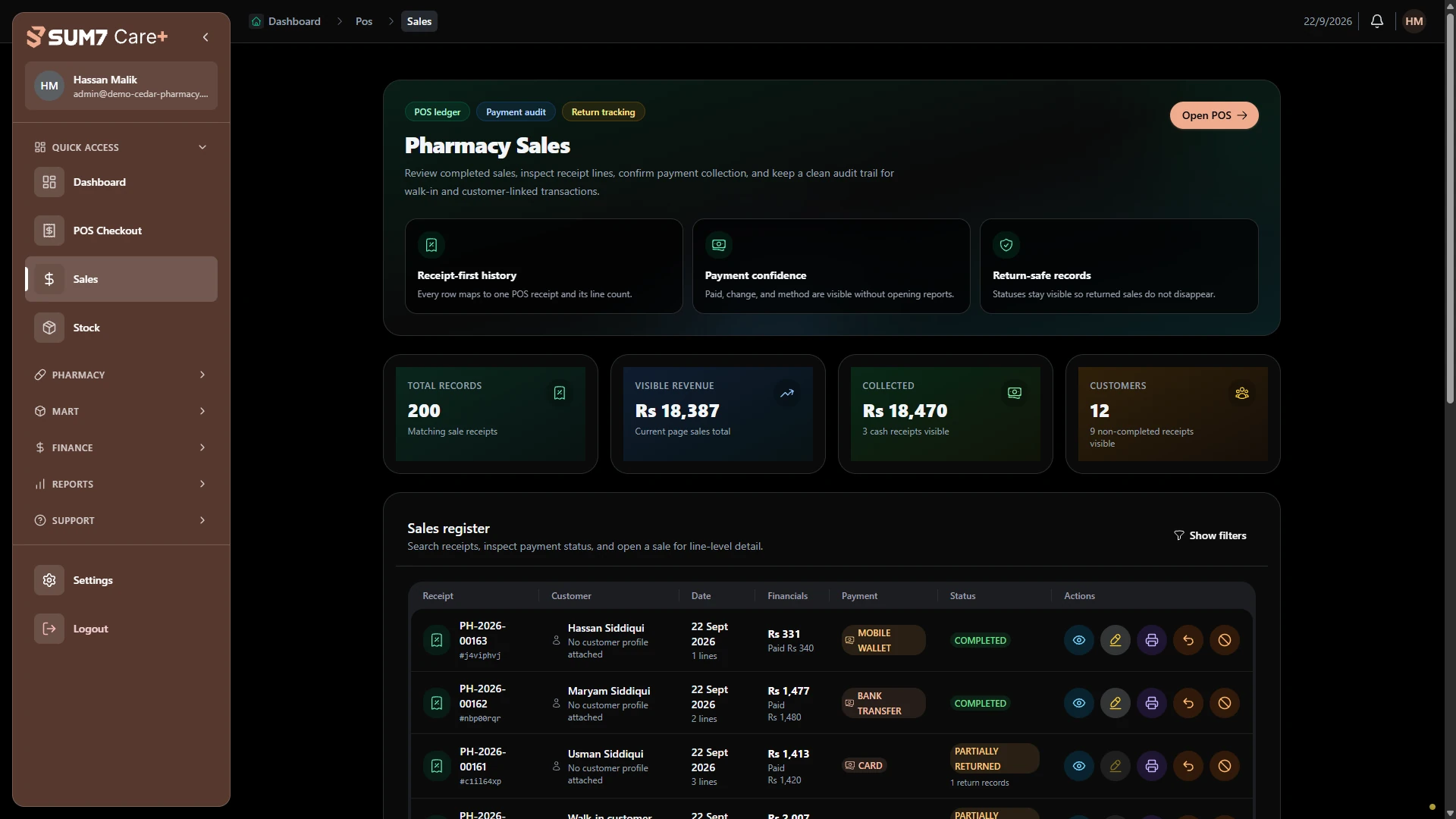
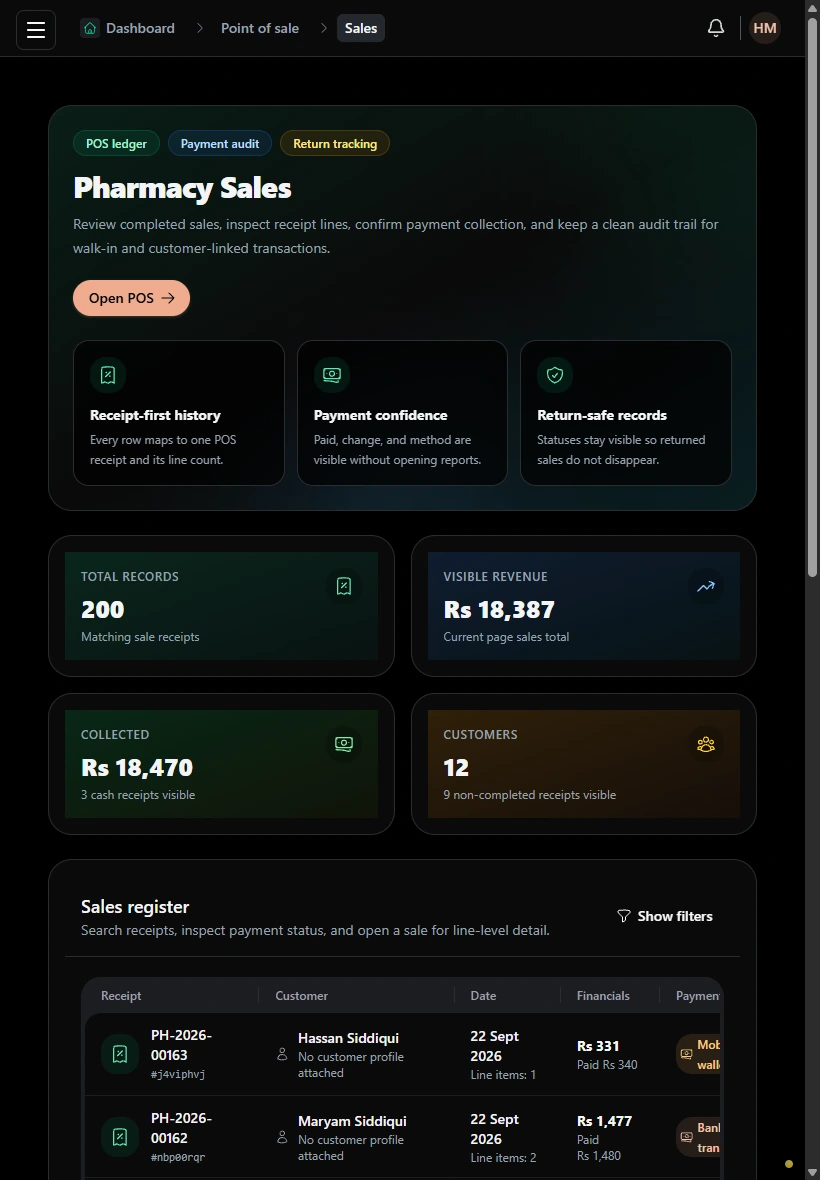
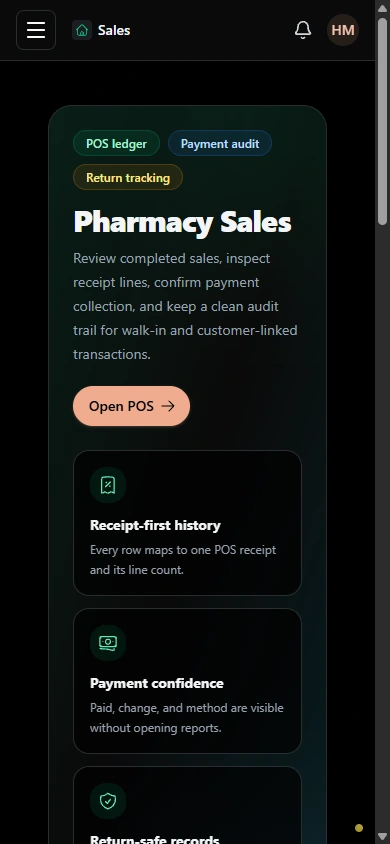
Talk through your requirementsAt checkout, staff review the basket, quantities and total before recording a sale. Purchase records show buying activity, customer profiles provide contact context, and sales history lets the team review completed transactions and payment statuses. Bring your batch, expiry and stock requirements so those workflows can be checked against your pharmacy’s needs.
Explore the Care+ products that fit your team.